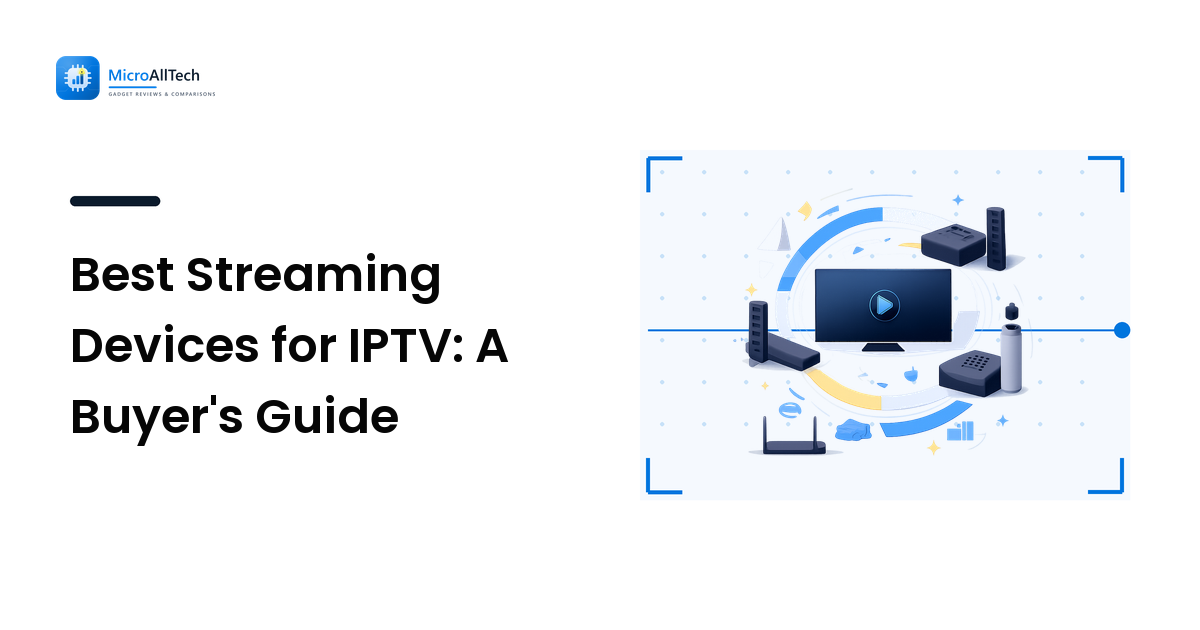
The streaming device you choose determines how smoothly your IPTV experience runs. A great subscription on a sluggish device buffers constantly; a mediocre subscription on a fast device plays smoothly. This guide compares the hardware options for IPTV streaming so you can match the device to your setup and budget.
For our broader approach to choosing tech, see the how to choose tech guide — the same value-vs-specs logic applies here.
What Makes a Device Good for IPTV?
- App compatibility. The device must run popular IPTV player apps (TiviMate, IPTV Smarters, GSE Smart IPTV). Android-based devices have the widest compatibility.
- Processing power. 4K streams require a capable processor and GPU. Budget devices struggle with high-resolution content.
- Connectivity. Ethernet port (more stable than WiFi for streaming), WiFi 5/6 support, and fast USB ports for local content.
- Remote control. A good remote makes navigating a 50,000-channel list manageable. Voice search helps.
The Contenders
Amazon Fire TV Stick 4K Max
- Price: ~$40-60
- IPTV setup: Sideloading required (Downloader app → install APK)
- Performance: Excellent. Fast processor handles 4K smoothly.
- Best for: Budget buyers who want 4K IPTV and are comfortable sideloading apps.
- Drawback: Amazon's app store doesn't carry most IPTV players natively; sideloading is needed.
Nvidia Shield TV Pro
- Price: ~$200
- IPTV setup: Native Android TV — IPTV apps from Play Store
- Performance: Best-in-class. The Shield handles anything you throw at it, including 4K HDR IPTV streams.
- Best for: Power users who want the smoothest possible IPTV experience and also game on the same device.
- Drawback: Expensive for IPTV-only use.
Apple TV 4K
- Price: ~$130-180
- IPTV setup: IPTV Smarters and GSE Smart IPTV available on App Store
- Performance: Excellent. A15 chip handles 4K HDR effortlessly.
- Best for: Apple ecosystem users who want a premium, no-sideloading experience.
- Drawback: Fewer IPTV app options than Android; no sideloading.
Android TV Box (Generic)
- Price: $30-100
- IPTV setup: Native Android TV — Play Store apps
- Performance: Varies wildly by brand. Cheap boxes lag on 4K.
- Best for: Budget buyers who want Android TV without the Fire Stick sideloading hassle.
- Drawback: Quality varies enormously; read reviews before buying.
Smart TV (Built-in)
- Price: Included with TV
- IPTV setup: App store (Samsung Tizen, LG WebOS, Android TV)
- Performance: Depends on TV processor. Mid-range TVs handle HD fine; budget TVs lag on 4K IPTV.
- Best for: Casual users who don't want an extra box.
- Drawback: TV processors are slower than dedicated streaming devices; app selection is limited on non-Android TVs.
The Decision Framework
| Your situation | Recommended device |
|---|---|
| Budget, want 4K, comfortable sideloading | Fire TV Stick 4K Max |
| Want the best performance, budget flexible | Nvidia Shield TV Pro |
| Apple household, want it simple | Apple TV 4K |
| Want Android TV without sideloading | Android TV box (read reviews) |
| Don't want an extra box | Smart TV (if Android TV-based) |
Pairing Your Device With a Subscription
The device is only half the setup. Your IPTV subscription determines the content, quality, and reliability. 4K Gold TV offers 50,000+ live channels and a large VOD library in 4K — pair it with a capable device from the table above for the complete cord-cutting experience.
Frequently Asked Questions
Do I need a 4K streaming device for IPTV?
Only if your IPTV subscription offers 4K content and your TV is 4K. If your subscription maxes out at HD, a 4K device won't improve the picture. Match the device capability to the subscription quality.
Can I use a Fire Stick for IPTV?
Yes. The Fire TV Stick is one of the most popular IPTV devices. You'll need to sideload the IPTV player app using the Downloader app (Amazon's store doesn't carry most IPTV players natively), but the process takes 5 minutes.
Is a smart TV good enough for IPTV?
If your smart TV runs Android TV (Sony, TCL, Hisense), yes — you can install IPTV apps directly from the Play Store. Samsung (Tizen) and LG (WebOS) TVs have limited IPTV app options and may require workarounds.
What is the cheapest good streaming device for IPTV?
The Fire TV Stick 4K Max (~$40-60) is the best value. It handles 4K smoothly, and sideloading IPTV apps is straightforward. Cheaper boxes exist but often lack processing power for consistent streaming.
Final Thoughts
The right streaming device for IPTV depends on your budget, ecosystem, and willingness to sideload. For most buyers, the Fire TV Stick 4K Max offers the best value; power users should consider the Nvidia Shield; Apple users should stick with Apple TV. Match the device to your subscription quality (4K device for 4K content), and you'll have a smooth, reliable IPTV setup.