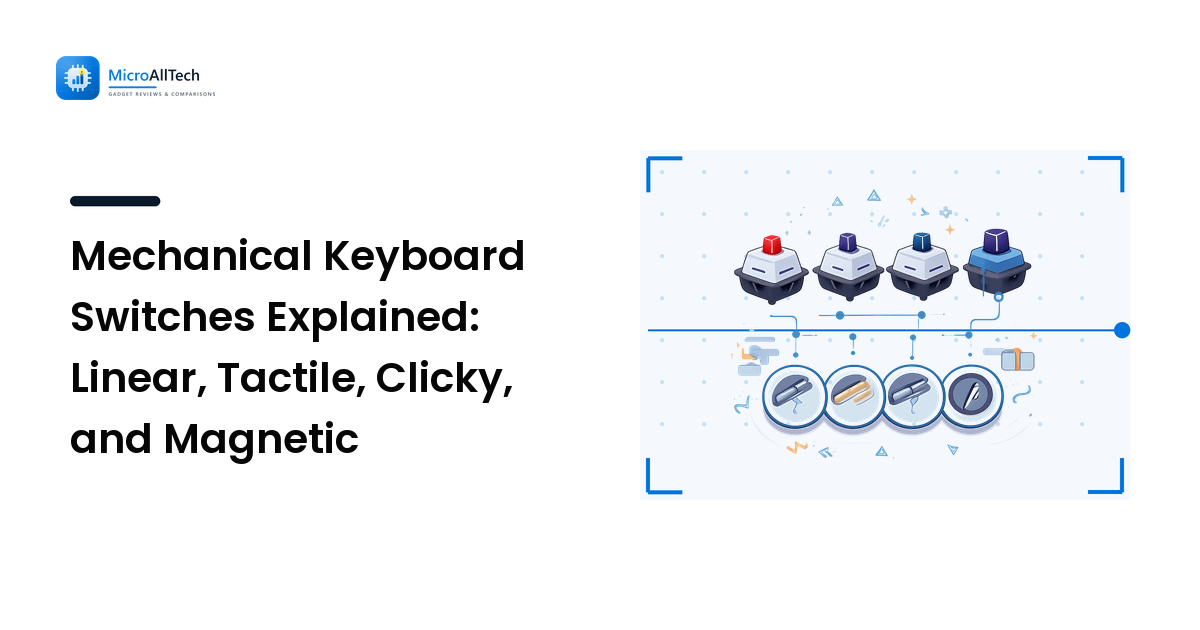
Two mechanical keyboards can share the same case, the same keycaps, and the same price, and feel like completely different products. The difference is almost always the switch under each key — and it is the one component most buyers pick last, usually by guessing from a colour name.
The takeaway up front: switch type is a comfort and noise decision far more than a performance one. For typing and for the overwhelming majority of gaming, any decent modern switch is fast enough; what you are actually choosing is how the key feels under your finger, how loud it is in a shared room, and whether you can change your mind later. Get those three right and the rest is detail.
Here is what each family does, what the spec numbers mean, and how to choose without buying twice.
What a switch actually is
Under every key sits an individual mechanism: a stem that moves down inside a housing, a spring that pushes it back up, and some way of registering the press. Membrane and scissor keyboards — the kind in most laptops and cheap office boards — instead use one flexible sheet under all the keys, which is why they feel mushier and wear less predictably.
Two numbers describe most of the feel:
- Actuation point — how far down the key travels before the press registers, measured in millimetres. Around 2 mm is the traditional figure; "speed" variants shorten it.
- Actuation force — how hard you have to press, given in grams-force (gf) or centinewtons (cN); the two are near enough interchangeable for shopping purposes. Common switches sit roughly in the 45–60 gf range, with lighter and heavier options either side.
Total travel — how far the key goes before bottoming out — is usually around 4 mm on full-size switches and much less on low-profile ones.
The three classic families
Linear — smooth all the way down
A linear switch moves down in one uninterrupted motion, with no bump and no click. Cherry's MX Red is the reference example, with publicly reported specs of roughly 45 gf actuation force, a 2 mm actuation point, and 4 mm total travel.
Choose linear if: you want the quietest of the three classic types, you press keys repeatedly in games, or you simply prefer a smooth stroke. The trade-off: with no feedback partway down, some people bottom out every key harder than necessary, which is both louder and more tiring at first.
Tactile — a bump you can feel
A tactile switch adds a small bump at the actuation point. You feel the moment the key registers, which lets you release without slamming the key to the bottom. Cherry MX Brown is the classic example, and there is now a very wide field of tactile switches from Gateron, Kailh, Akko, Durock and others, ranging from a barely-there nudge to a pronounced, sharp bump.
Choose tactile if: you type a lot and want feedback without noise. The trade-off: "tactile" covers an enormous range — two switches with the same label can feel nothing alike, so read the specific switch, not the category.
Clicky — a bump plus an audible click
Clicky switches add a mechanism that produces a deliberate click sound, separate from the noise of the key bottoming out. Cherry MX Blue is the archetype; Kailh's Box White and similar switches use a different clicking mechanism with a crisper sound.
Choose clicky if: you love the sound and you work alone. The trade-off: it is genuinely loud, it carries on video calls, and it is the single most common reason a keyboard gets returned or exiled to a cupboard. If anyone shares your room, this is not a category to buy blind.
The variants worth knowing
Silent switches
Silent linear and silent tactile switches add rubber dampening inside the housing to soften both the down-stroke and the return. They are noticeably quieter than standard switches of the same type. The trade-off is a slightly softer, less crisp landing, which some people love and some describe as mushy. Cherry's MX Silent line and various "Zilent"-style tactiles are the common examples.
Speed switches
Speed variants shorten the actuation point so the key registers sooner. Cherry's MX Speed Silver is the best-known, with a publicly reported actuation point of about 1.2 mm and around 3.4 mm total travel. The gain is real but small in human terms; the practical downside is more typos while your fingers adjust, since resting weight can trigger a key.
Low-profile switches
Low-profile switches — Kailh's Choc range, Cherry's MX Low Profile family and others — shorten the whole mechanism, giving a thinner keyboard with shorter travel. They suit desks where wrist height matters and anyone who prefers a laptop-like stroke but wants mechanical consistency. Keycap choice is more limited, because low-profile boards use their own keycap standards.
Optical switches
Optical switches register the press by interrupting a beam of light rather than closing a metal contact. In practice they feel like their mechanical equivalents; the claimed benefits are longevity and marginally faster registration. The catch is compatibility — they only fit boards built for that specific optical system.
Magnetic (Hall-effect) switches — the actual recent shift
The genuinely new category in consumer keyboards is the magnetic switch, usually described as Hall-effect. Instead of a fixed on/off contact, the board measures the position of a magnet in the stem continuously, so it knows how far down the key is at any moment. Wooting popularised the approach and it now appears across a growing range of gaming boards using Gateron and similar magnetic switches.
That continuous measurement enables three things a mechanical contact cannot do:
- Adjustable actuation. You set the trigger depth in software — shallow for games, deeper for typing — per key if you want.
- Rapid trigger. The key resets as soon as it starts moving back up rather than at a fixed point, which shortens repeated presses.
- Analogue input. Partial presses can be read as gradations, letting a key behave like a joystick axis in games that support it.
The honest assessment: for competitive first-person shooters and racing games, this is a meaningful capability, not marketing. For typing, browsing, and most other work, it changes very little and costs more. Magnetic switches are also usually not swappable for ordinary mechanical ones, so the choice locks the board.
Hot-swap: the feature that protects you from choosing wrong
A hot-swap keyboard has small sockets under each key, so switches pull out and push in without soldering. It costs a little more and it removes most of the risk from this entire decision — if you buy tactile and hate it, you change the switches for about the price of a takeaway rather than replacing the whole board.
If you are unsure which family you want, buying hot-swap plus a cheap switch tester is the sensible order of operations. The general principle in our guide to choosing tech without overpaying applies neatly here: pay for the thing that keeps your options open, not the thing with the longest spec list.
Two related notes on the rest of the board. Stabilisers — the mechanisms under long keys like space and enter — affect perceived quality as much as switches do, and rattly ones spoil good switches. And the cable is not automatically a non-issue: many boards now use USB-C, and as our guide to USB-C cables explains, not every USB-C cable carries data properly, so keep the one in the box.
A short decision path
- Shared room or open office? Silent linear or silent tactile. Not clicky.
- Mostly typing? Tactile. It is the most common recommendation for a reason — feedback without noise.
- Mostly competitive gaming? Linear, or magnetic if adjustable actuation and rapid trigger genuinely matter to the games you play.
- Love the sound and work alone? Clicky.
- Not sure? Buy hot-swap and change your mind later for the cost of a set of switches.
- Thin desk setup, or you prefer laptop feel? Low-profile, accepting the keycap limitations.
That is the whole decision. Everything else — case material, plate, foam, lubing — refines a keyboard you already like rather than rescuing one you don't. Our comparison of ultrawide versus dual monitors covers the other half of the desk setup.
FAQ
Are mechanical switches actually faster for gaming?
The difference in registration time between switch types is far smaller than human reaction time, so for almost everyone the answer is no. What genuinely helps in fast games is consistency, comfortable force, and — on magnetic boards — rapid trigger for repeated presses, which is a behaviour change rather than raw speed.
What do the switch colours mean?
Colour naming came from Cherry, where red meant linear, brown tactile and blue clicky, and many manufacturers loosely follow it. It is only a convention, not a standard — plenty of brands use colours that mean something entirely different, so check the type and force specification rather than trusting the colour.
Can I change the switches on any mechanical keyboard?
Only on hot-swap boards. Non-hot-swap keyboards have switches soldered to the circuit board, which means desoldering every one to change them. Check for "hot-swap" or "hot-swappable" in the specification before assuming.
Are Hall-effect keyboards worth the extra money?
For competitive shooters and racing sims, the adjustable actuation and rapid trigger are a real capability. For typing and general use, a good tactile or linear board delivers a similar experience for less, and keeps the option of swapping switches later.
How loud is a mechanical keyboard on a video call?
Clicky switches are usually audible to other participants; linear and tactile switches are moderate; silent variants are the quietest mechanical option, though no mechanical keyboard is truly silent. Noise-suppressing microphone settings help, but switch choice does more.
Once you know which switch family you want, the next step is picking the board around it. Compare mechanical keyboards on MicroAllTech — scored against explicit criteria, with the trade-offs named.