If your eyes feel dry, gritty, or achy after a long day at the screen, the monitor is rarely the whole villain — and that is good news, because most of the discomfort is fixable with changes that cost nothing. "My monitor hurts my eyes" is one of the most common complaints about screens, and it is almost never a sign the panel is "bad."
The takeaway up front: eye strain at a screen comes mostly from how you use the display, not from the display itself. Match brightness to your room, set the right distance and height, blink and look away on a schedule, and the ache usually fades. The best ways to reduce eye strain from screens are free — blue light gets blamed for everything, but the bigger culprits are glare, a mismatched brightness level, and eyes locked at one distance for hours without a break.
General information, not medical advice. Persistent eye pain, blurred vision, headaches, or sudden changes in your sight are reasons to see an optometrist or doctor — not to keep adjusting a monitor. This guide is about screen comfort, not diagnosis.
What "digital eye strain" actually is
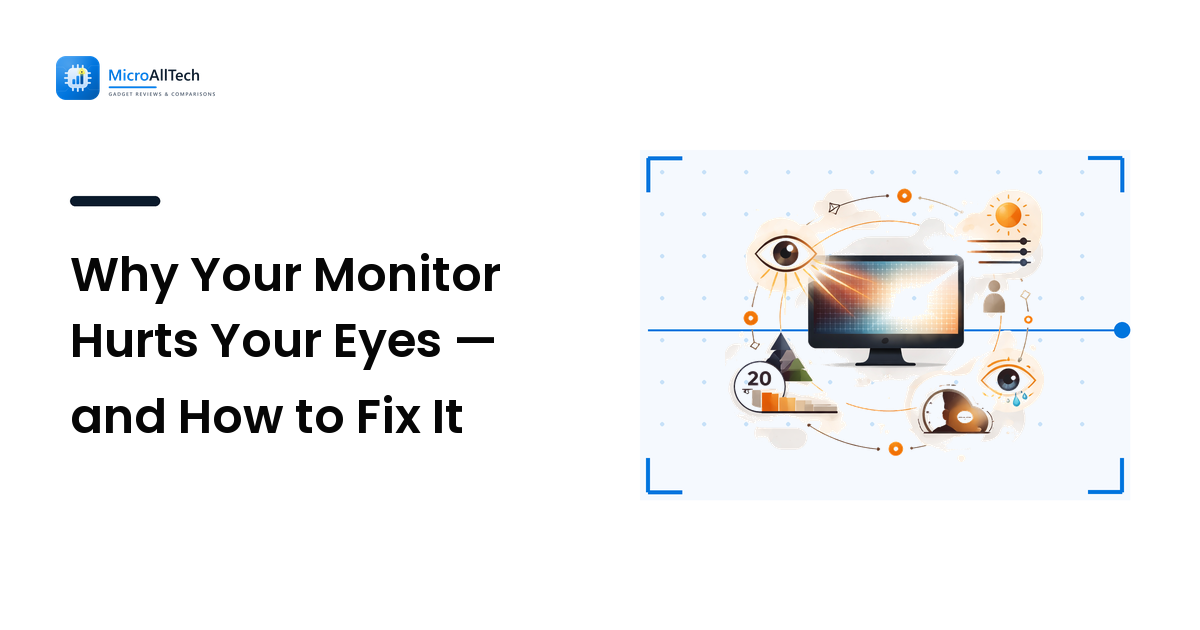
Digital eye strain — also called computer eye strain or computer vision syndrome — is the cluster of symptoms after long focused screen sessions: dry or watery eyes, a burning or gritty feeling, blurred vision, sore neck and shoulders, and headaches. It is fatigue, not damage, and two everyday mechanics drive most of it. Focusing is work: your eyes hold a constant near-focus for hours, and the muscles that do that tire like any muscle that never relaxes — they are built to shift between near and far, not lock at one distance. And you stop blinking: people blink markedly less, and only partially, when concentrating on a screen. Blinking spreads the tear film that keeps the eye's surface smooth, so fewer, shallower blinks leave it drying out — the gritty feeling most people describe. Neither cause is the monitor's doing.
Set up the screen so your eyes don't fight it
A handful of one-time adjustments remove most of the avoidable strain. Work them in order — and notice blue light is nowhere on the list.
- Match brightness to the room. Turn the screen down until it stops looking like a lamp and sits at about the brightness of the wall behind it — more in a bright room, much less in a dim one. This one change relieves more strain than any accessory.
- Kill the glare. Position the monitor so windows are to the side, not behind or in front of it, and angle it away from lamps. A matte panel helps in bright rooms; if reflections persist, change the lighting or the angle.
- Set distance and height. Sit roughly an arm's length (about 50–70 cm) away, and put the top of the display at or just below eye level so your gaze falls slightly downward. Looking down lets your eyelids cover more of the eye, which reduces drying.
- Make text comfortable to read. Increase the system or browser font size and zoom so you can read without leaning in. Squinting at small text is needless strain you can delete in seconds.
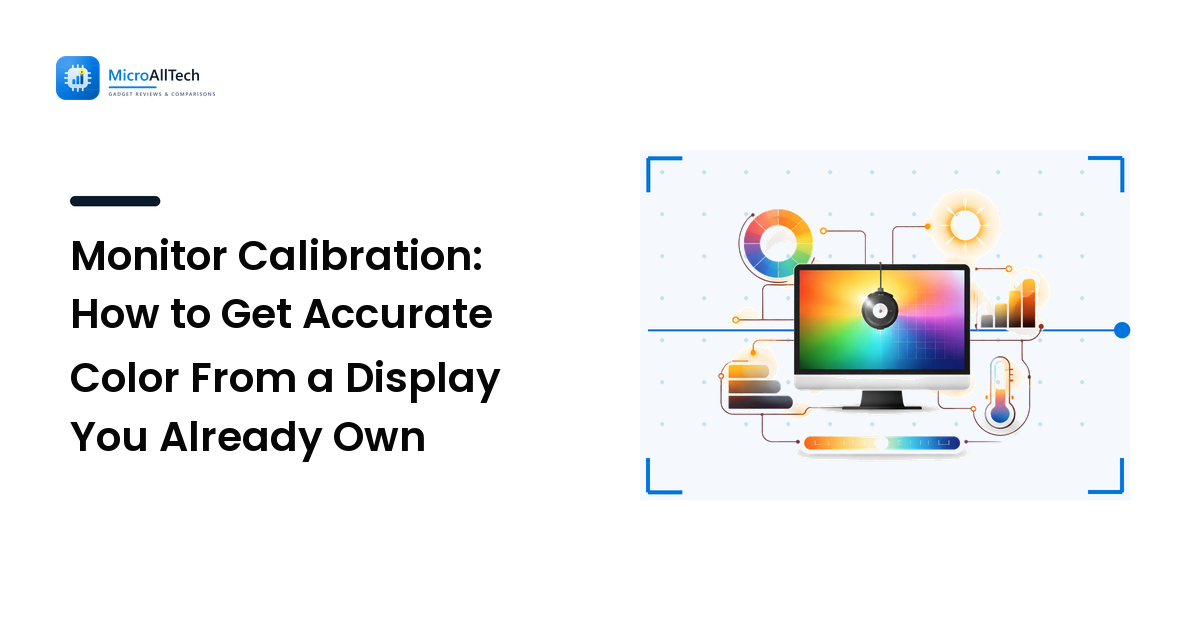
- Mind contrast, not just brightness. Accurate contrast keeps text crisp without harshness — our monitor calibration guide covers setting brightness, contrast, and a neutral white point properly.
Habits that do the heavy lifting
Hardware sets the stage, but behavior delivers the lasting relief — the core problem is sustained near-focus and reduced blinking, which no setting fixes for you.
- Follow the 20-20-20 rule. Every 20 minutes, look at something about 20 feet (6 metres) away for about 20 seconds. It lets the focusing muscles relax from their locked near position — the most reliable single habit for screen comfort. Set a timer until it is automatic.
- Blink — fully and on purpose. When your eyes feel dry, do a few slow, complete blinks. Consciously blinking more during long sessions counteracts the concentration-driven drop that dries the surface.
- Take real breaks. Stand, stretch, and let your eyes settle on the distance for a couple of minutes each hour — this also eases the neck and shoulder tension that travels with eye strain.
- Fix the room light. Don't work in a dark room lit only by the screen; soft ambient light softens the harsh contrast. Equally, avoid a bright light source directly in your field of view.
- Consider lubricating eye drops if you run dry. Over-the-counter artificial tears can ease dryness for some people. If you rely on them constantly, that is a conversation for a pharmacist or optometrist.
What about blue light glasses and "eye care" modes?
Blue-light glasses and built-in filters (often a warm, amber "night" or "reading" mode) are the first thing people buy and usually the least important. The honest position: current evidence does not support blue light from screens as a major cause of daytime eye strain, so glasses sold to "stop eye strain" tend to disappoint when the real causes — glare, brightness, distance, blinking — go unaddressed.
Where a warm filter genuinely helps is in the evening, for sleep. Cutting blue light in the hours before bed can make the screen feel gentler and help you wind down, so a night-mode shift after sunset is a reasonable habit — just don't expect amber glasses to cure all-day strain. Fix the free causes first, and treat blue-light filtering as a minor, evening-focused extra.
Flicker is the one screen-side factor worth a real look. Some displays dim the backlight by rapidly switching it on and off, and a minority of people are sensitive to that flicker without consciously seeing it. If your eyes tire fast on one specific screen and nothing else explains it, a flicker-free display is worth seeking out — that one is about the hardware, not your habits.
FAQ
Why do my eyes hurt after looking at a screen all day?
Most often it is digital eye strain — fatigue from holding a constant near-focus for hours and blinking less while you concentrate, usually made worse by a screen too bright for the room or with glare on it. It is tiredness, not damage, and it eases once you fix brightness, distance, and breaks.
Does the 20-20-20 rule actually work?
It targets the cause directly: every 20 minutes, looking at something about 20 feet away for 20 seconds lets your focusing muscles relax from their locked near position. It won't fix glare or posture on its own, but combined with sensible brightness and distance it makes a real difference for most people.
Do blue light glasses reduce eye strain?
For daytime strain the evidence is weak — glare, brightness, distance, and reduced blinking cause far more discomfort than blue light does, and glasses do nothing about those. Blue-light filtering can help in the evening, where cutting it may make screens feel gentler and support sleep. So fix the free causes first.
What screen brightness is best for my eyes?
There is no single number — it depends on your room. Match the screen roughly to the brightness of the wall behind it, so it neither glows like a lamp in a dim room nor looks dull in a bright one. If it reads like a glowing rectangle, turn it down until it feels comfortable.
Can staring at a monitor permanently damage my eyes?
Digital eye strain itself is fatigue, not permanent harm, and current understanding is that normal screen use does not damage adult eyes long-term. That said, lasting blurred vision, frequent headaches, or eye pain can have other causes and deserve a professional check — an optometrist or doctor is the place for diagnosis.
Next step
Before you buy anything, work the free fixes in order: brightness matched to the room, glare killed, screen an arm's length away with its top at or just below eye level, text bumped up, and a 20-second distance break every 20 minutes while you remember to blink fully. That sequence resolves most digital eye strain on its own. Treat warm evening modes as a minor extra and a flicker-free panel as the one hardware upgrade worth chasing — and if discomfort persists despite all of it, see an eye-care professional rather than another setting. For more no-hype help getting comfortable with the tech you own, visit microalltech.com.