You pasted the link, pressed download, and got nothing useful — an error, a file that will not open, a progress bar frozen at 4%, or a download that apparently succeeded and then vanished. It is one of the more annoying failures in everyday tech, because there is no diagnostic message telling you what went wrong.
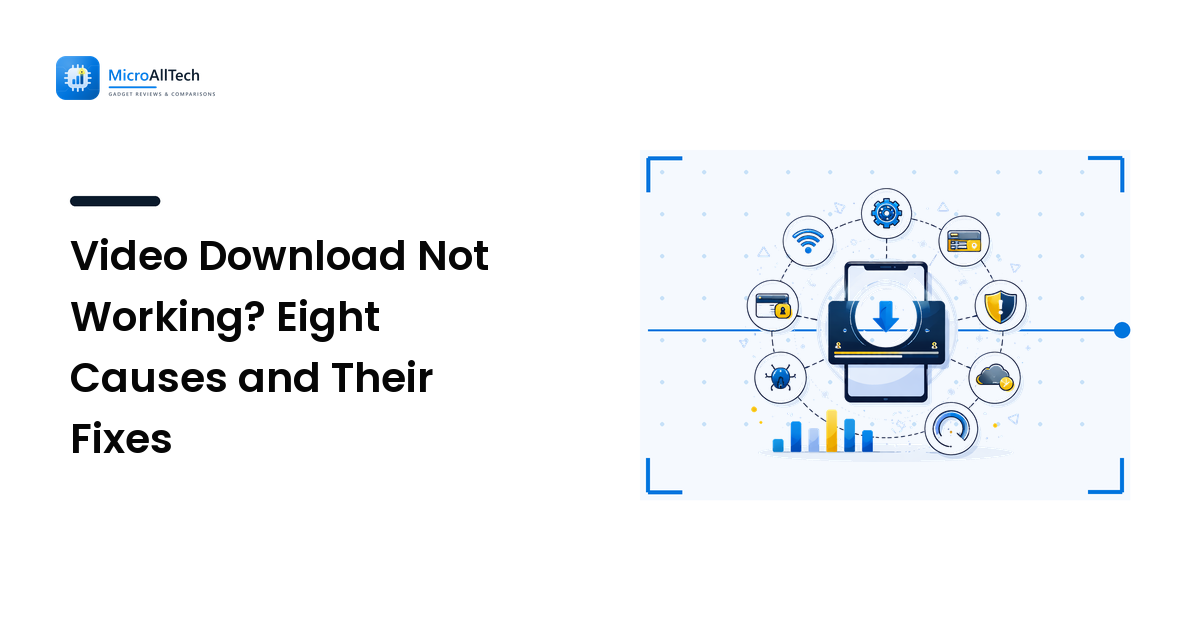
The good news is that the failure modes are surprisingly few. In practice, almost every failed video download traces back to one of eight causes, and you can work through the list in about two minutes. They are ordered here by how often they turn out to be the culprit.
1. The link is not the video's link
This is the most common cause by a wide margin. Copying whatever is in the address bar while scrolling a feed gives you a link to the feed, not to the video, and the tool has nothing to resolve.
Fix: open the video so it has its own page, then use the post's own three-dot menu → Copy link (or Share → Copy link in a mobile app). Also watch for two link types that never work directly: click-tracking redirects that begin l.facebook.com/l.php?u=, and short links you pasted before they finished resolving. Open either one in a browser first, then copy the address it lands on.
2. The video is not public
If a clip is friends-only, sitting inside a closed group, unlisted, or restricted by age or region, a link-based downloader cannot reach it. The tool opens that URL as an anonymous visitor, sees a permission wall, and returns nothing.
Fix: there is no fix, and that is the correct outcome — the restriction is the privacy setting doing its job. If it is your own upload, the platform's own account export ("Download your information" on Facebook, equivalents elsewhere) runs from inside your account and includes material that is not publicly visible. If it belongs to someone else, the answer is to ask them for the file.
Treat any tool advertising access to private or restricted videos as a red flag. Those pages are consistently a vector for malware and credential phishing, because the promise is technically impossible and the audience is motivated.
3. Storage is full — or full enough
A twenty-minute HD video is routinely 500 MB to 1.5 GB. Phones report "download failed" rather than "you have 180 MB free," so this looks like a tool problem when it is a space problem.
Fix: check free space before a large download, empty the Downloads folder (it accumulates silently), and pick the SD option when you only intend to watch on a phone screen. On Android, Settings → Storage shows the breakdown; on iPhone, Settings → General → iPhone Storage. If you are constantly at the edge, our guide to setting up a new phone properly covers the storage decisions worth making once rather than fighting monthly.
4. The browser blocked it
Browsers intervene in downloads more than most people realise:
- Pop-up blockers eat the new tab that the download was meant to open in. Look for the blocked-popup icon in the address bar.
- Chrome and Edge silently block some downloads served over insecure connections; the file shows in the download tray marked as blocked.
- Safari on iOS asks for permission the first time a site downloads a file — dismiss that prompt and nothing happens at all.
- Ad blockers and script blockers can break the download button itself, so the click does nothing.
Fix: allow pop-ups for that one site, check the download tray for a blocked entry, and try once with the content blocker paused. If it works with the blocker off, add an exception rather than leaving it disabled.
5. The network is interfering
A download that starts and then stalls at the same percentage every time is usually a network story, not a file story. Common causes: hotel or café wifi with a captive portal that times out mid-transfer, a VPN or DNS filter cutting the media host, or a mobile "data saver" mode that pauses large transfers on cellular.
Fix: switch networks — cellular instead of wifi, or the reverse — and retry. Turn off the VPN for one attempt. On a metered connection, check whether the OS has quietly paused the download in the notification shade.
6. The media link expired
Platform media URLs are signed and time-limited. If you resolve a video, wander off for an hour, and then click download on that same open page, the underlying link may have expired even though the page still looks fine.
Fix: reload the page, paste the link again, and download promptly. A "forbidden" or "link expired" error almost always means exactly this, and re-pasting fixes it in seconds.
7. The file downloaded but is broken
Symptoms: it plays two seconds and stops, the player reports an unsupported codec, or the file size is suspiciously small. That is an interrupted transfer, not a corrupted source.
Fix: delete it and download again on a stable connection. Repair utilities exist for damaged video files, but for a clip you can simply re-download they are not worth the time. If a re-download also fails at the same point, that is a network problem (cause 5), not a file problem.
8. The source video is simply low resolution
If the original was uploaded at 480p, no tool can hand you a 1080p version. "HD" on a download button means the best version the platform holds, not an upgrade. Software upscaling invents pixels; it does not recover detail that was never captured.
Fix: adjust expectations, and if it is your own content, keep your master files so you are never dependent on the platform's re-encoded copy.
Where did the file actually go?
Sometimes the download worked and you simply cannot find it:
- Android: Internal storage → Download. Visible in the Files app; galleries usually index it automatically, and moving it to the Movies folder forces the issue.
- iPhone / iPad: Safari saves to the Files app under Downloads — not Photos. Open Files, tap the video, then Share → Save Video to move it into your gallery.
- Windows:
C:\Users\<you>\Downloads, and the browser's download tray links straight to it. - Mac:
~/Downloads, or click the download icon in Safari's toolbar.
Choosing a tool that fails less often
Most download problems are environmental rather than tool-specific, but the tool still matters. A browser-based saver avoids an entire class of failure simply by not requiring an install — nothing to update, nothing blocked by a locked-down work laptop, nothing sitting in the background. GetFbVideo is a reasonable example for Facebook video: it runs in the browser, resolves the link server-side, and lets you choose HD, SD, or audio-only MP3, which directly addresses causes 3 and 8 by letting you match file size to the device you will watch on.
The usual caveat applies regardless of tool: save videos you own or have permission to save — your own uploads, your page's content, or material a creator has cleared for reuse.
Frequently Asked Questions
Why does my download work on a laptop but fail on my phone?
Nine times out of ten it is storage or the OS pausing large transfers on cellular data. Check free space first, then look for a paused download in the notification shade. iOS also routes browser downloads to the Files app rather than Photos, so the file may exist and simply not be where you looked.
The download starts and stops at the same percentage every time. What is that?
A network interruption at a consistent point, usually a captive portal, a filtering VPN, or an unstable connection. Switch networks and retry — if it completes on cellular but not on wifi, the wifi is the problem.
Is a browser-based downloader safe to use?
The mechanism is fine; the risk is the site. Avoid anything demanding you install an executable, disable your antivirus, or log in with your Facebook credentials — no legitimate link-based saver needs your password. Stick to tools that work from a pasted public link and nothing more.
Can I recover a corrupted video file?
Occasionally, with dedicated repair software, but it is rarely worth the effort when the source is still online. Re-downloading on a stable connection resolves nearly every case, because the damage almost always happened in transit.
The Bottom Line
Failed downloads look mysterious because the error messages are useless, but the cause is nearly always mundane: the wrong link, a restricted video, no space, a browser block, or a shaky connection. Work down the list in that order and you will find it fast.
Once you have ruled those out, the fix is usually a re-paste and a smaller quality setting. Try the link again with GetFbVideo, pick SD if you just want to watch it on a phone, and keep your own master files so the platform's copy is a convenience rather than your only option.